
ThermalPrint
Print photos on an MXW01 Bluetooth thermal printer, right from your Mac.
Features
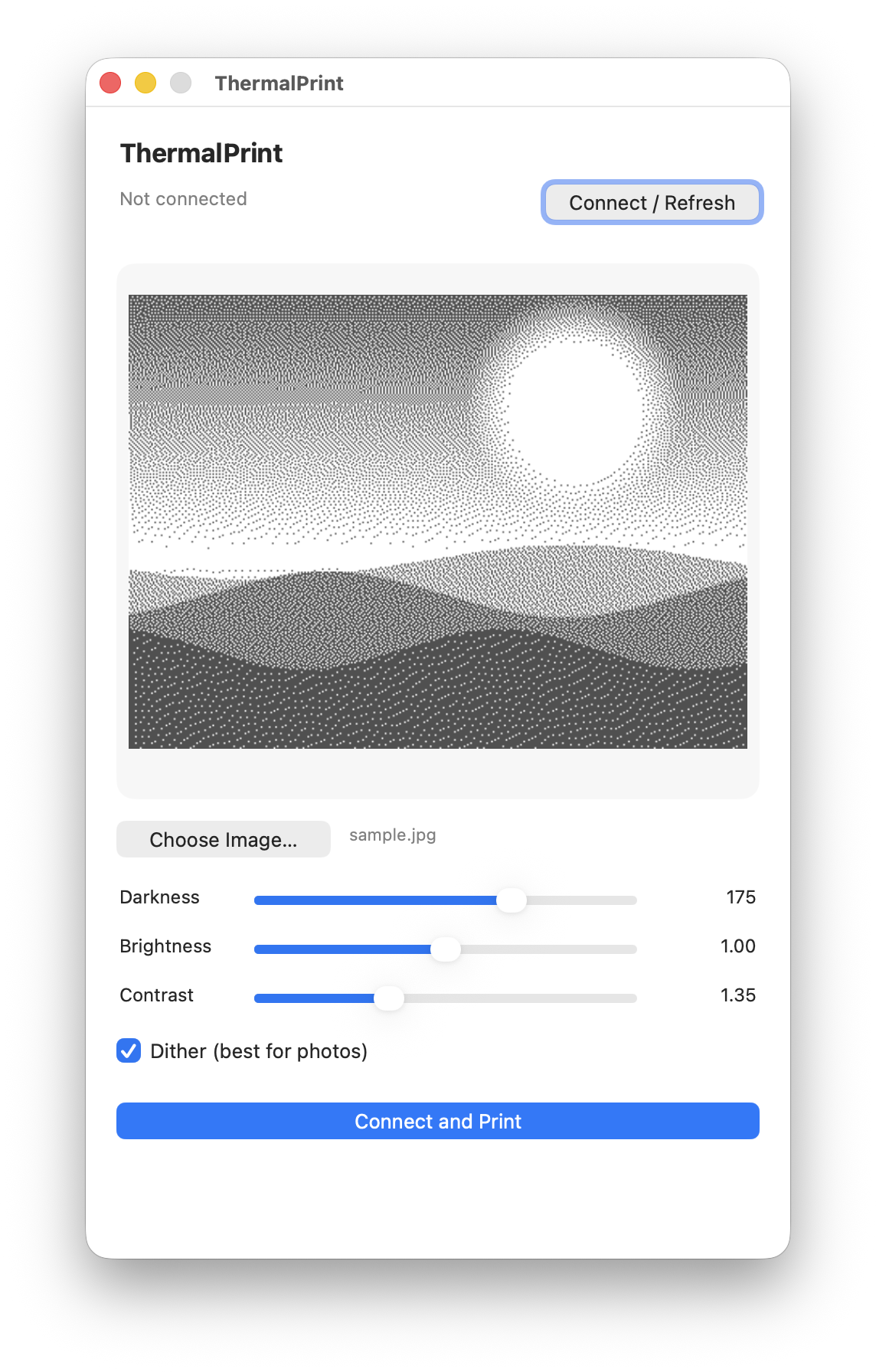
True print preview
The preview is the exact 384-pixel, 1-bit bitmap the printer receives — what you see is what prints.
Dialed-in dithering
Floyd–Steinberg dithering with darkness, brightness, and contrast controls for readable photos on thermal paper.
Rotate & mirror
Turn the image in 90° steps or flip it left-to-right with one click, right on the preview.
In the Share menu
Send a picture straight from Photos, Finder, or Safari — ThermalPrint opens with it loaded and ready.
Drag, drop, print
Drop a photo on the window or the Dock icon. The printer is found automatically and remembered.
Signed & self-updating
Developer ID signed and notarized by Apple; the app checks for updates and installs them in place.
ThermalPrint goes mobile
The same true-to-paper preview and dialed-in dithering, now in your pocket. Choose a photo, see the exact 1-bit bitmap the printer will produce, and print over Bluetooth — no account, no sign-in, no data collection.
Coming soon to the App Store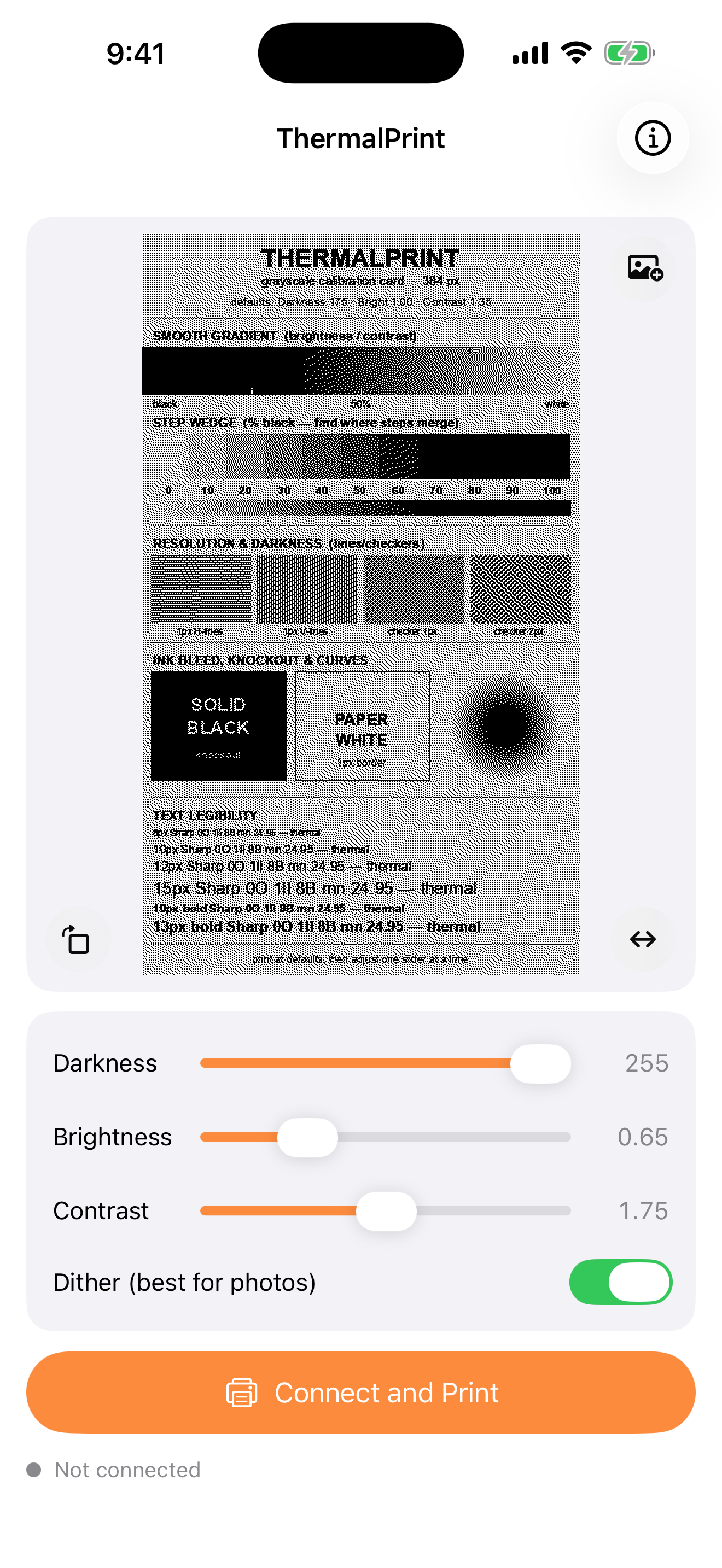
Compatible printers
ThermalPrint works with the inexpensive
384-pixel Bluetooth “cat printer” thermal printers built on the
MXW01 board — the ones that show up over Bluetooth with a
name beginning MXW01- (e.g. MXW01-1A2B). These are
sold under many generic brand names online, typically for around $20–30, and
use 57 mm thermal paper.
Command-line tools (mxprint) are included in the
source repository.